
Win Your Next Zoom Meeting with Best Friends Backgrounds
Virtual meetings have become an essential part of modern work culture, and your background plays a significant role in how you present yourself to colleagues and clients. Rather than showing a cluttered home office or blank wall, choosing a thoughtfully curated Zoom background can transform your professional image and add personality to your video calls. Best Friends, a renowned animal welfare organization, offers a collection of 16 charming backgrounds designed to make your Zoom meetings more engaging and memorable. Whether you’re attending a casual team sync or a formal presentation, these animal-themed backgrounds provide the perfect blend of professionalism and personality.
The Importance of Professional Virtual Backgrounds
In today’s remote-first work environment, your Zoom background is an extension of your professional identity. A well-chosen background not only minimizes distractions but also communicates something meaningful about your personality and interests. Research has shown that botanical backgrounds make individuals appear more approachable, while thoughtfully designed spaces can enhance perceived professionalism and credibility during video conferencing. The Best Friends backgrounds collection takes this concept further by incorporating adorable animals and intentional design elements that create a memorable impression while maintaining professionalism.
Using custom backgrounds can also serve practical purposes beyond aesthetics. They hide home office clutter, protect your privacy by obscuring personal spaces, and provide consistent visual branding for your professional communications. For those working in creative industries or client-facing roles, a distinctive background can even become part of your personal brand identity.
Exploring the Best Friends Background Collection
Best Friends offers 16 unique backgrounds that cater to different preferences and professional contexts. This diverse collection ensures that every personality type can find a background that resonates with them while maintaining an appropriate level of professionalism for various meeting scenarios.
Goat Enthusiasts, Rejoice
If goats are your thing, Best Friends has you covered with backgrounds featuring these charismatic animals. Goats are known for their playful nature and charming personalities, making them perfect for backgrounds that need to convey approachability and friendliness. These goat-themed backgrounds work particularly well for team-building meetings, casual check-ins, or any gathering where you want to add a touch of humor and warmth. The inclusion of goats in the collection recognizes that many people have a genuine fondness for these animals, and incorporating them into your virtual presence can be a conversation starter with like-minded colleagues.
Avian Aesthetics: Bird-Themed Backgrounds
For those who prefer feathered friends, the Best Friends collection includes bird-themed backgrounds. Birds symbolize freedom, perspective, and natural beauty, making them excellent choices for backgrounds that need to inspire creativity or demonstrate a connection to nature. Whether featuring colorful songbirds, majestic eagles, or other avian species, these backgrounds add visual interest without being overly distracting. They’re particularly suitable for meetings where environmental consciousness or innovative thinking is being discussed.
The Judgy Cat Option
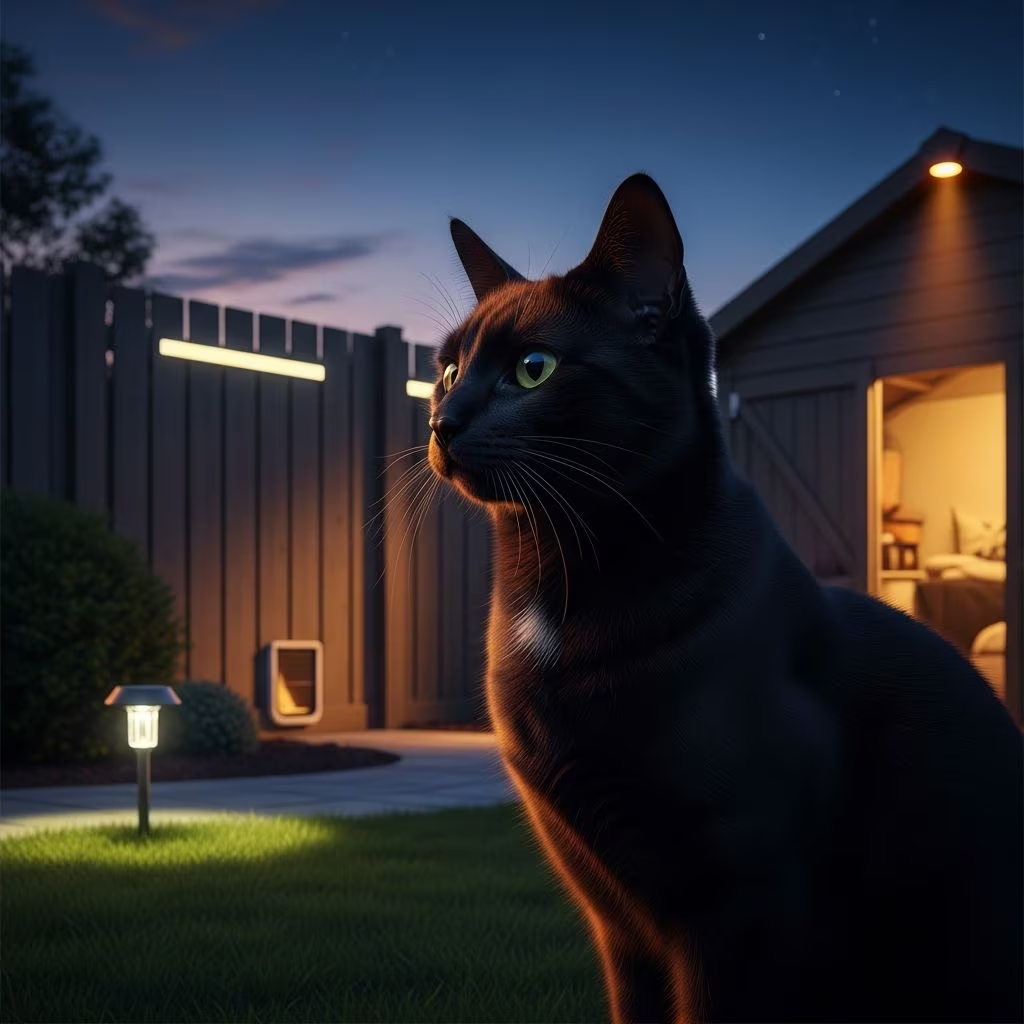
Cats, especially those with distinctive personalities, have become cultural icons in the digital age. Best Friends includes a judgy cat background that appeals to feline enthusiasts and those with a sense of humor. This background works well for meetings where a lighter tone is appropriate or when you want to convey confidence and discernment. The judgy cat’s expression can add a touch of personality without compromising professionalism, making it suitable for creative teams or informal internal meetings.
How to Use Best Friends Backgrounds on Zoom
Setting up a custom background on Zoom is straightforward and can be completed in just a few steps. On desktop, you can access the virtual background feature by clicking on your video preview before joining a meeting or during an active call. Simply navigate to the settings menu and look for the “Virtual Background” or “Backgrounds & Effects” option.
For mobile users, the process is similarly user-friendly. Open the Zoom app on your mobile device, sign in to your account, and start or join a meeting. During the call, tap the three dots menu at the bottom right corner of your screen, select “Meetings,” then choose “Backgrounds & Effects.” From there, you can tap the plus icon to upload the Best Friends background image to your device or select from available options.
Desktop Setup Instructions
On your computer, follow these steps to set up Best Friends backgrounds:
- Open Zoom and navigate to your Settings
- Select “Virtual Background” from the left sidebar
- Click the plus icon to add a new background
- Upload the Best Friends background image file
- Select the background to activate it for your next meeting
Mobile Setup Instructions
On your smartphone or tablet, the process differs slightly but remains intuitive:
- Launch the Zoom app and sign in
- Start or join a meeting
- Tap the three-dot menu icon
- Navigate to “Backgrounds & Effects”
- Tap the plus icon to add your Best Friends background
- Select the uploaded background during your meeting
Choosing the Right Background for Different Meeting Types
Different professional contexts call for different background choices. Understanding which Best Friends background suits each situation can help you maintain professionalism while expressing your personality.
Formal Client Meetings
For client presentations and formal business calls, consider using the more subtle Best Friends backgrounds or ensuring that any animal featured is composed and professional-looking. The goal is to create a favorable impression while minimizing distraction from your message. Backgrounds with smaller animal elements or those featuring peaceful animal sanctuaries work particularly well in these contexts.
Casual Team Meetings
Team meetings and casual check-ins are perfect opportunities to use the more playful Best Friends backgrounds, such as the goat or judgy cat options. These backgrounds can serve as icebreakers and help establish a friendly, relaxed atmosphere that encourages open communication and collaboration among colleagues.
Creative Brainstorming Sessions
During creative brainstorming and ideation meetings, animal-themed backgrounds can stimulate conversation and reinforce a culture of innovation and personality-driven work. The Best Friends collection’s diverse animal options can reflect your organization’s values if they align with animal welfare or environmental consciousness.
Technical Considerations for Virtual Backgrounds
While virtual backgrounds are generally easy to use, understanding the technical requirements can help you achieve the best results. For optimal quality, Zoom recommends using a plain, single-color background in your physical space. This helps Zoom’s background detection algorithm more accurately distinguish between you and your background, preventing the artificial-looking edges or transparency issues that can occur with complex or multi-colored real-life backgrounds.
If you don’t have a green screen, you can still use Zoom backgrounds effectively by ensuring adequate lighting and maintaining a reasonable distance from any complex patterns or busy surfaces behind you. Many users find that simply clearing their workspace and positioning themselves in front of a plain wall provides excellent results without requiring any special equipment.
Benefits of Using Best Friends Backgrounds
Incorporating Best Friends backgrounds into your virtual meeting routine offers numerous advantages beyond simple aesthetics. These curated backgrounds demonstrate thoughtfulness and personality while supporting an organization dedicated to animal welfare. By using these backgrounds, you’re not only enhancing your professional image but also potentially raising awareness about animal sanctuaries and welfare causes.
Professional Appearance
Custom backgrounds instantly elevate your professional appearance by eliminating distractions and creating a polished look. This is particularly important when meeting with people who are unfamiliar with your home office setup.
Personality Expression
The collection of 16 different backgrounds allows you to express your personality and interests while maintaining professionalism. Whether you’re a goat lover or cat enthusiast, there’s an option that authentically represents you.
Conversation Starters
These distinctive backgrounds often spark conversations with colleagues, helping to build rapport and demonstrating that you have interests beyond work. This human touch can strengthen professional relationships and make virtual interactions more meaningful.
Consistent Branding
If you use Best Friends backgrounds consistently, they can become part of your personal brand, making you more memorable and recognizable during video calls.
Beyond the Background: Other Virtual Meeting Enhancement Tips
While backgrounds are important, they’re just one element of effective virtual communication. Consider these additional factors to maximize your Zoom meeting effectiveness:
Lighting and Camera Position
Ensure you’re well-lit, preferably with natural light or a ring light positioned in front of you. Position your camera at eye level to create a more engaging and professional appearance.
Audio Quality
Invest in a quality microphone to ensure clear audio transmission. Poor audio quality can undermine even the most impressive background.
Professional Attire
Even with a great background, dress appropriately for your meeting type. Your appearance above the background is equally important.
Minimal Distractions
Despite using a virtual background, minimize other distractions such as notifications, open browser tabs, or cluttered desk items visible in the foreground.
Frequently Asked Questions
Q: Are the Best Friends backgrounds free to use?
A: Best Friends provides these 16 backgrounds as a resource for supporters who want to show their commitment to animal welfare while enhancing their virtual meetings. Check the Best Friends website for availability and usage rights.
Q: Can I use Best Friends backgrounds on platforms other than Zoom?
A: Most virtual meeting platforms including Microsoft Teams, Google Meet, and Skype support virtual backgrounds. Once you have the Best Friends background image file, you should be able to upload it to most platforms that offer this feature.
Q: Do I need a green screen to use virtual backgrounds?
A: No, a green screen is not required, though it can improve background quality. A plain, single-color physical background works well, and modern Zoom technology can detect edges effectively without specialized equipment.
Q: How do I download Best Friends backgrounds?
A: Visit the Best Friends website and look for their backgrounds download section. From there, you can select and download any of the 16 available backgrounds to your device.
Q: Can I customize Best Friends backgrounds further?
A: While the official backgrounds come pre-designed, many users choose to make slight adjustments using image editing software to better match their color preferences or add personalized elements.
Q: Which Best Friends background is most professional?
A: The choice depends on your industry and workplace culture. Generally, backgrounds with subtle animal elements or peaceful sanctuary scenes work well for formal settings, while more playful options suit casual team environments.
References
- Science of People: 85 Best Zoom Backgrounds For Meetings by Category — Science of People. 2025. https://www.scienceofpeople.com/zoom-background-ideas/
- Krisp: Top 20 Funny Zoom Backgrounds to Spice Up Your Calls — Krisp. 2025. https://krisp.ai/blog/funny-zoom-backgrounds/