When your cat goes missing, every moment counts. A well-crafted flyer can turn passersby into allies in your search, spreading awareness far and wide. This guide draws from proven techniques used by pet rescue experts to help you create posters that grab attention and deliver critical information at a glance.
Why Flyers Remain a Top Tool for Pet Reunions
Despite digital apps and social media, physical flyers excel in local areas where your cat is most likely hiding. Drivers and walkers spot them at intersections, sparking tips that lead to recovery. Studies from animal response networks show fluorescent posters at key spots have reunited pets weeks after disappearance.
Selecting the Perfect Photo for Maximum Recognition
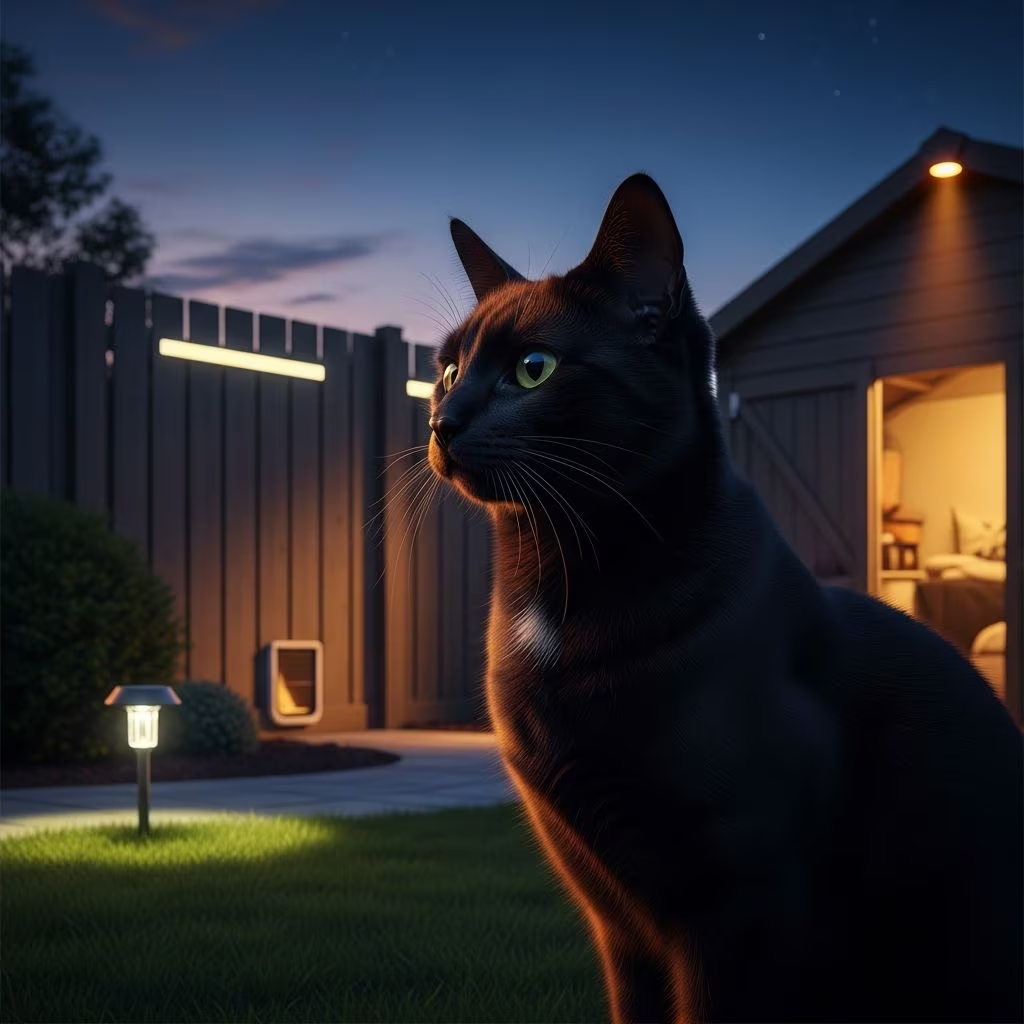
Choose a clear, recent image of your cat facing the camera directly, standing naturally. This pose matches how cats appear when cautiously observed from hiding spots, aiding quick identification.
Remove backgrounds using free tools like online editors to make the image pop against any poster color. Position it large—covering most of the space—to show size and markings accurately. Avoid group shots or blurry pics; focus on distinctive features like collar color, eye shape, or unique fur patterns.
Core Elements Every Flyer Must Include
Keep text minimal for readability from moving vehicles. Prioritize these components:
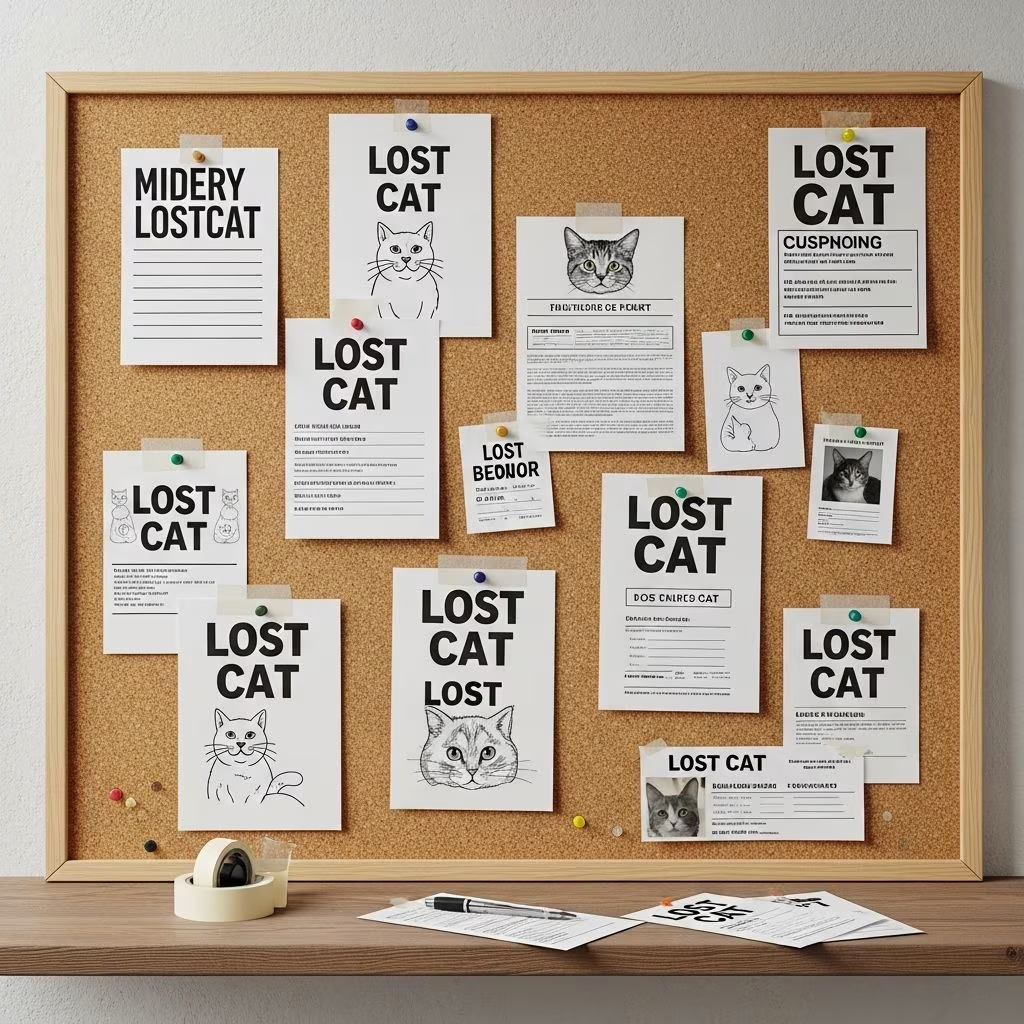
- Bold Header: “MISSING CAT” or “LOST CAT” in huge red letters (font size 80-100, sans-serif like Arial).
- Key Description: Breed, color, size, gender, age, special traits—in 5 words max, e.g., “BLACK TABBY, WHITE PAWS.”
- Contact Info: One reliable phone number answered 24/7. Skip names to avoid voice confusion with cats.
- Last Seen: Date, time, exact location.
- Reward: Optional “REWARD” to motivate tips.
Use white or bright backgrounds with black/red contrasts for distance viewing. Test print to ensure clarity.
Design Best Practices for High-Impact Posters
Opt for giant sizes (11×17 inches or larger) on fluorescent paper—neon green, pink, or yellow—to stand out day or night. Sans-serif fonts ensure bold, scannable text; avoid decorative styles.
| Element | Do | Don’t |
|---|---|---|
| Photo | Full-face, background-free, large | Side profile, cluttered background |
| Colors | Fluorescent paper, red/black text | Pastels, serif fonts |
| Text Amount | Under 20 words total | Long paragraphs |
| Size | Poster board or legal paper | Standard letter size only |
Seal photos in plastic sheet protectors taped to the board, opening downward to prevent water pooling. This protects against weather while keeping details visible.
Strategic Locations to Maximize Exposure
Target high-traffic spots within 2-5 miles of last sighting:
- Major intersections on poles (highest point possible).
- Vet clinics, pet stores, groomers.
- Laundromats, coffee shops, community boards.
- Grocery stores, libraries (ask permission).
Use duct tape on the back for secure, damage-free attachment. Refresh weekly and add sighting-specific flyers.
Quantity and Distribution Tactics
Print 100+ copies initially. Cover a radius expanding with new leads. Partner with neighbors for posting help. Combine with online shares on local groups, but prioritize physical for neighborhood impact.
Advanced Tips from Rescue Pros
Power move: Use a dedicated line for tips, answered promptly. Personalize subtly without names. For night visibility, add glow elements or lights if allowed. Track poster performance by noting which yield calls.
Common Flyer Mistakes to Avoid
- Overloading with details—keep it visual-first.
- Poor font choices reducing readability.
- Low placement hidden by foliage or signs.
- Forgetting weatherproofing, leading to faded info.
- Including cat’s name, potentially hindering voice recognition.
Avoid these pitfalls to ensure your efforts pay off.
Tools and Software for Quick Creation
No design skills? Use Microsoft Word, Google Docs, or Canva templates. Steps: Insert cleaned photo full-page, add text boxes for headers/phone, export as PDF for printing. Free background removers like remove.bg speed prep.
Complementing Flyers with Broader Search Strategies
Flyers shine alongside:
- Door-to-door canvassing with photo handouts.
- Social media blasts geo-targeted locally.
- Microchip/GPS checks at shelters.
- Trail cameras at home for returnees.
Act fast—most cats recover within days if searched aggressively.
Frequently Asked Questions
What if I don’t have a good photo?
Search your phone or cloud for front-facing shots. Borrow similar breed images temporarily, noting “similar to this.” Update ASAP.
How long should I keep posters up?
Minimum 2 weeks, longer for no sightings. Update with new info or remove if found.
Is offering a reward necessary?
It motivates but isn’t essential; focus on clear contact first.
Can I use digital-only posters?
Digital helps, but physical outperforms for local drivers/walkers.
What colors work best?
Fluorescent hues draw eyes; red text screams urgency on white/bright bases.
Sample Flyer Layout
Imagine this hierarchy:
- Top: “MISSING CAT” (huge red).
- Center: Massive cat photo in protector.
- Mid: “GRAY TABBY, GREEN EYES, SMALL”.
- Bottom: Phone number bold black.
- Tiny: Last seen details.
This structure ensures 3-second comprehension.
References
- Top Secret for Eye Catching Missing Cat Poster — YouTube. 2023. https://www.youtube.com/watch?v=xyjUuMtiM_4
- Neon Posters — Missing Animal Response Network. 2024. https://www.missinganimalresponse.com/neon-posters/
- Creating a missing cat or dog poster: tools and techniques — Weenect. 2024. https://www.weenect.com/us/en/guide/how-to-lost-pet-poster/
- Lost-pet poster: Six tips for a more effective sign — Los Angeles Times. 2012-06-07. https://www.latimes.com/archives/blogs/la-at-home/story/2012-06-07/lost-pet-poster-six-tips-for-a-more-effective-sign
- Missing Pet Tips — Michigan Animal Rescue League. 2024. https://marl.org/missing-pet-tips/
- How to Make Your Missing Cat Poster Work Better! — YouTube. 2023. https://www.youtube.com/watch?v=qxNwiCW2h4Q